Exhaust covers / Confirm the mount

14×14 exhaust vent covers

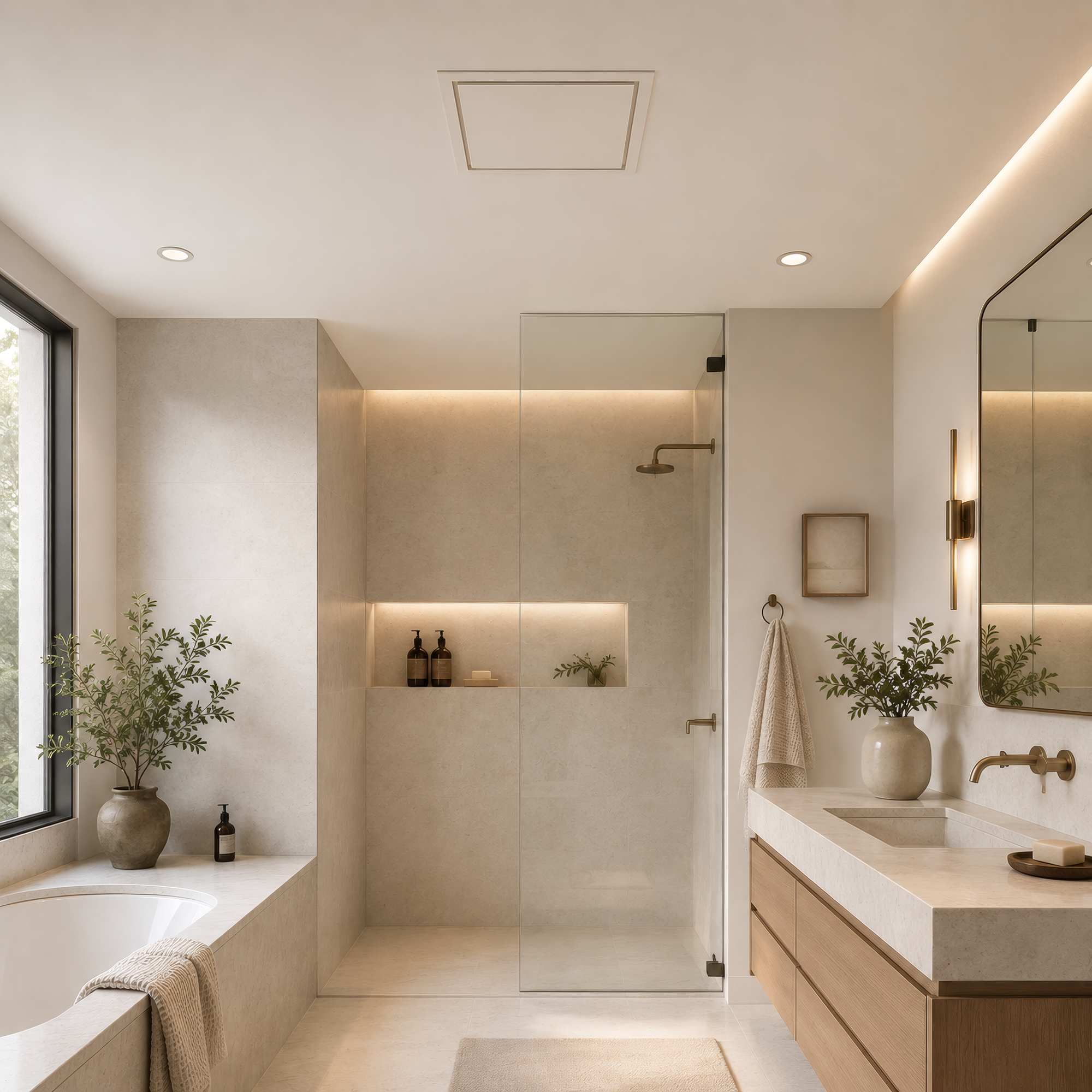
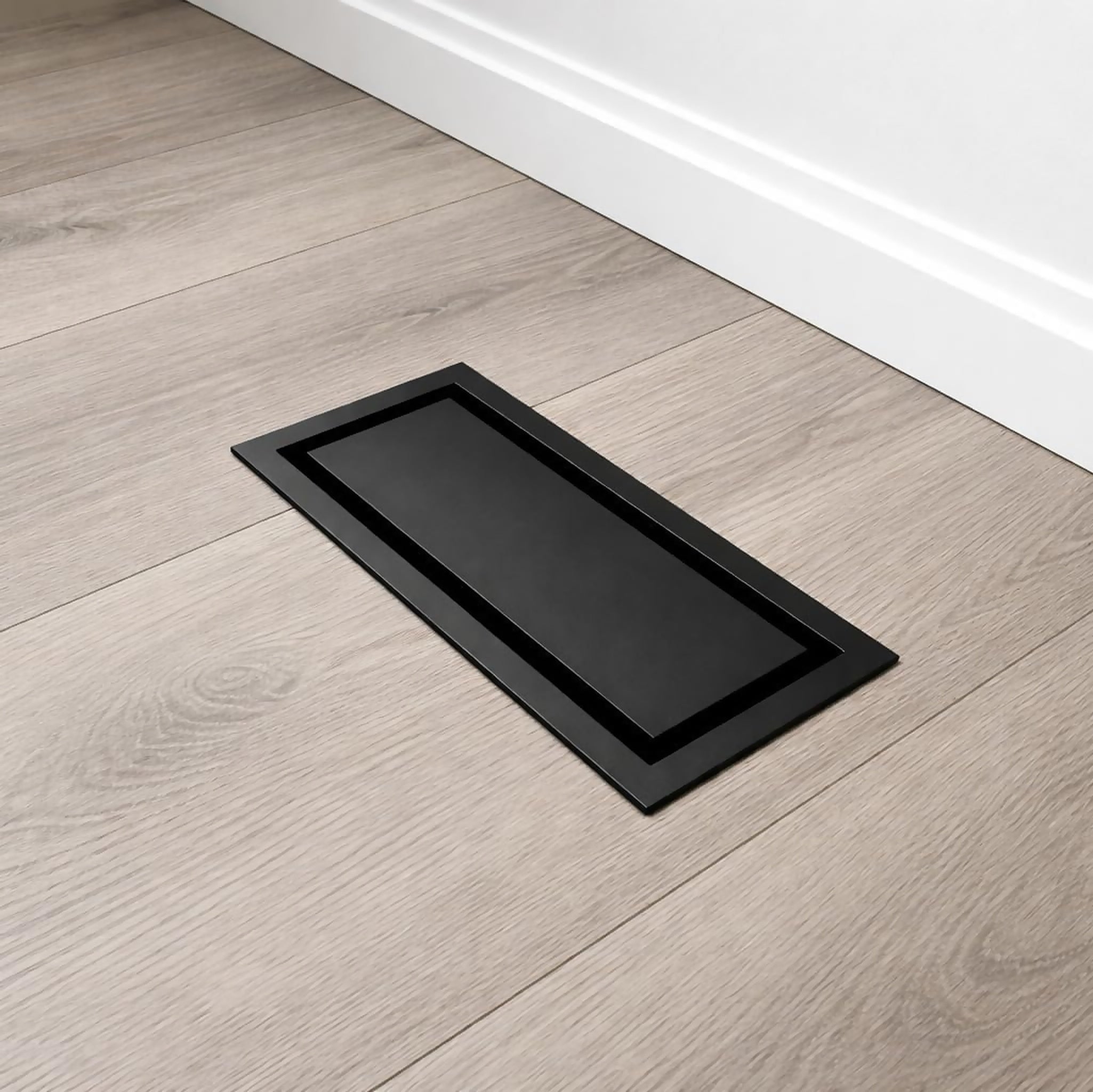
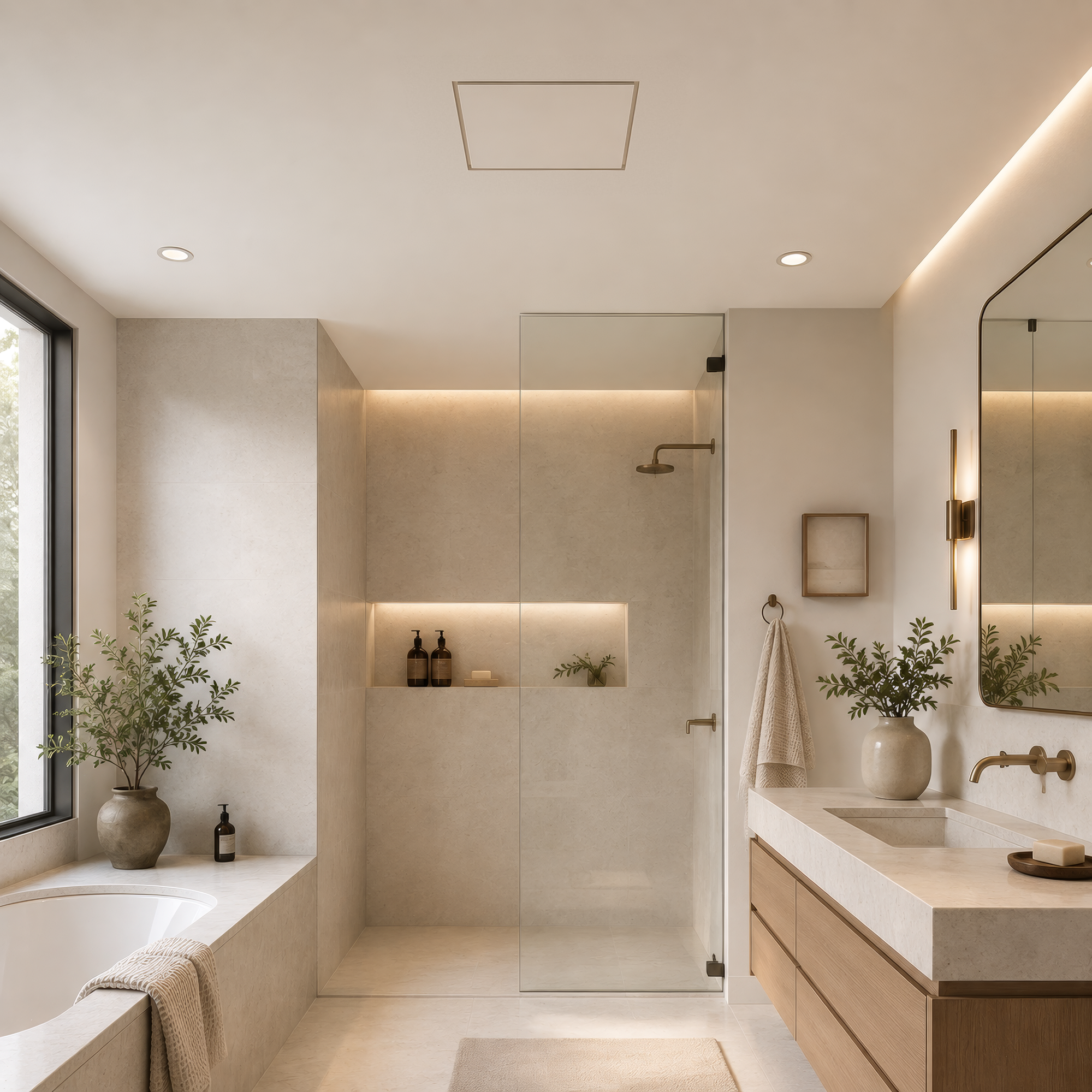
Compare the Framed and Flush exhaust-mount styles. The 14×14 label is not a fan-housing fit range. Confirm the fan model, opening and mounting arrangement before ordering.

Choose how it fits into your project

Options for Canada · CAD

Check compatibility before ordering

1. Identify the fan

Record the fan manufacturer and model number. Measure the housing and finished opening, and take a photo with the existing cover removed.

2. Confirm the mount

Ask support to check the compatible mounting arrangement and instructions. A similar-looking square cover is not enough to establish a fit.

3. Plan the finish and access

Choose the visible Framed border or the Flush finishing work. Confirm fixing support, service access and clearance for removing the cover.

Exhaust-mount details to confirm

These products use exhaust-mount size labels. The label does not establish the fan-housing dimensions or the cut-out required for your installation.

  • Confirm the fan model, housing size and opening.
  • Check the correct mounting hardware, fixing support and finishing sequence.
  • Keep the cover removable for access and maintenance.

Use the selected product drawing and ask support for the matching exhaust-mount instructions. A geometric airflow calculation alone does not establish performance with your fan and mounting arrangement.

Check your fan before ordering

Send the fan model, housing and opening measurements, mounting position and a photo. Support can check the mounting instructions and compatibility for your setup.

Ask about fit →